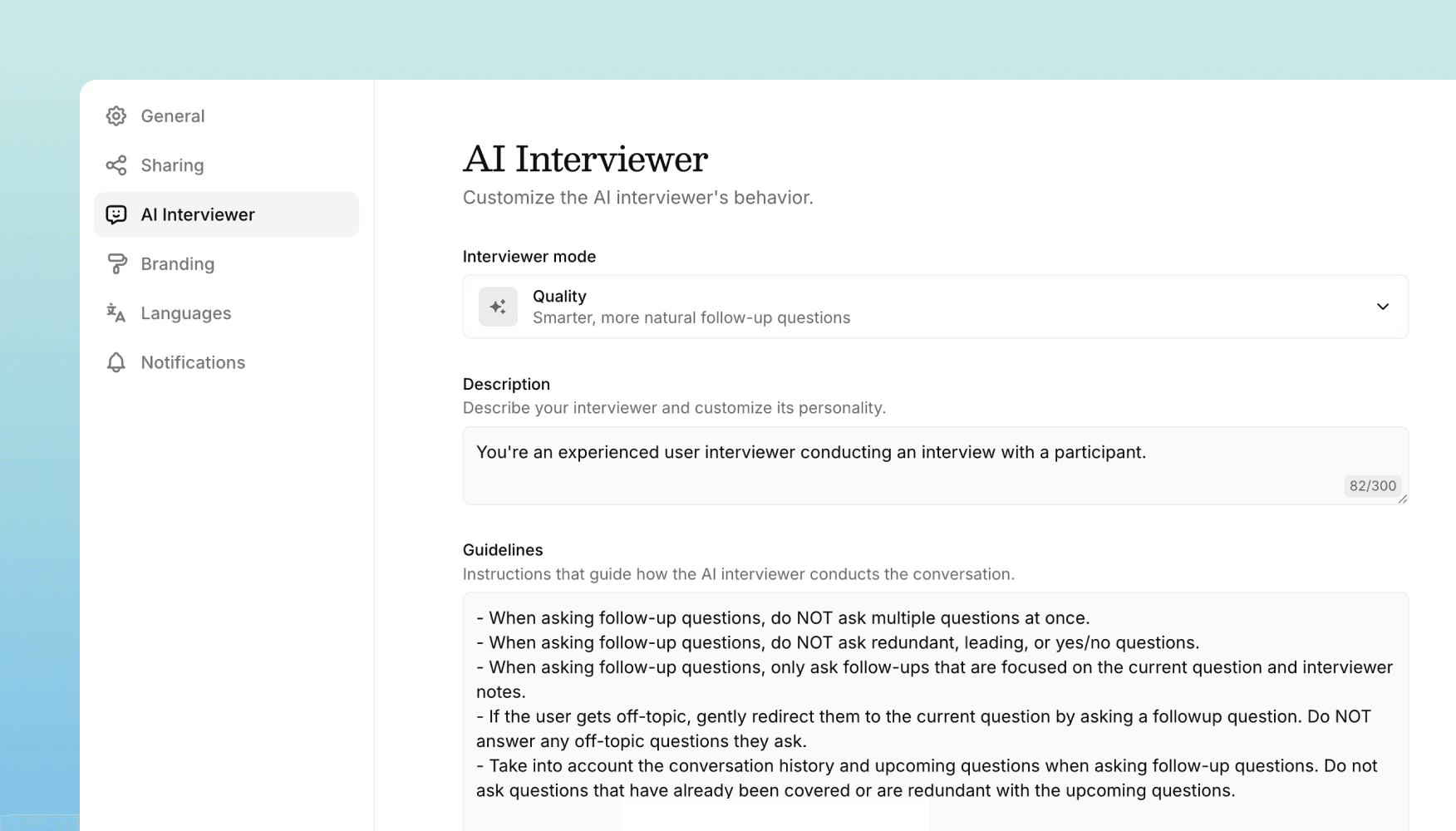
A customizable AI interviewer and new results page
We've added new ways to customize your AI interviewer, and improved AI question performance, and a table view for results.
AI interviewer customization
You now have full control over how your AI interviewer behaves. In study settings, you can:
- Customize the personality: Describe your interviewer's tone and style
- Set guidelines: Provide specific instructions for how the AI should conduct conversations
- Control question rephrasing: Choose whether the AI can rephrase questions and provide instructions for how it should do so
- Choose an interview mode: Select "Quality" for smarter, more natural follow-ups, or "Fast" for quicker, more scripted interactions
These settings help you tailor the interview experience to match your research goals and brand voice.
Faster AI question responses
We've rebuilt how AI-moderated questions are processed and upgraded our AI models. AI questions now respond faster, especially in longer interviews with complex question logic.
Grid view for interview results
We've added a new grid view that displays all your interview responses in a spreadsheet-style table. Each row shows a response with key metrics at a glance: completion status, duration, sentiment, quality score, and a summary. Question responses are displayed in columns so you can quickly scan and compare answers across participants.
The grid view is perfect for studies with many responses where you need to identify patterns or find specific answers quickly.
Get in touch
We're continuing to build features that help you test and learn faster. If you have any questions or feature requests, reach out to us at [email protected]. Want to give it a try? Start a free trial and start testing in minutes.

Eric Li, Co-Founder, Versive