AI-moderated interviews that listen, understand, and probe

Onboarding Study
Why did you decide to start using Scratch?
Talk out loud and pause when you're done
Surveys, interviews, and tests with real and synthetic users. Made easy by AI.
May 8, 2026 · 47 interviews · 4 themes
Most participants use Scratch for personal task management — todos, quick capture, and lightweight project tracking. Across 47 interviews, three patterns stood out: users gravitate to Scratch for speed and simplicity over other tools like Notion or Obsidian, the open-source positioning matters (especially for technical buyers), and mobile parity is the single most cited gap.









Versive lets you combine AI-moderation, quant and qual questions, and usability testing in a single study. Test with real users, AI personas, or both.
Why did you decide to start using Scratch?

Which Acme tagline resonates with you most?


Agents help you build studies, conduct interviews in multiple languages, and synthesize results into reports. Saving you hours of manual work.
 Could you add some questions to evaluate our new homepage designs?
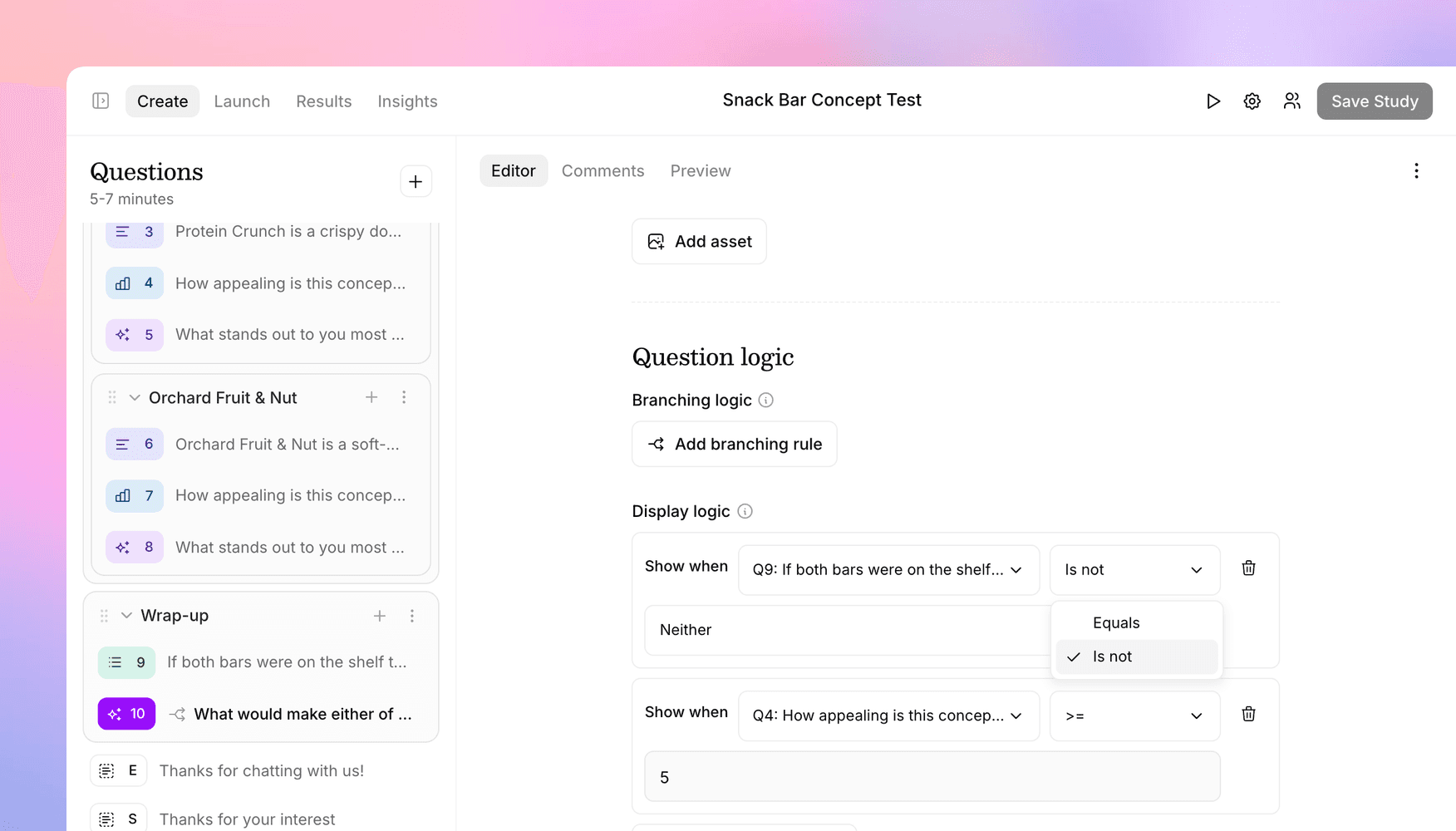
 Build your own study or ask our agent to create one for you from a document, prototype, or prompt.
Tell me about the last software purchase your team made.
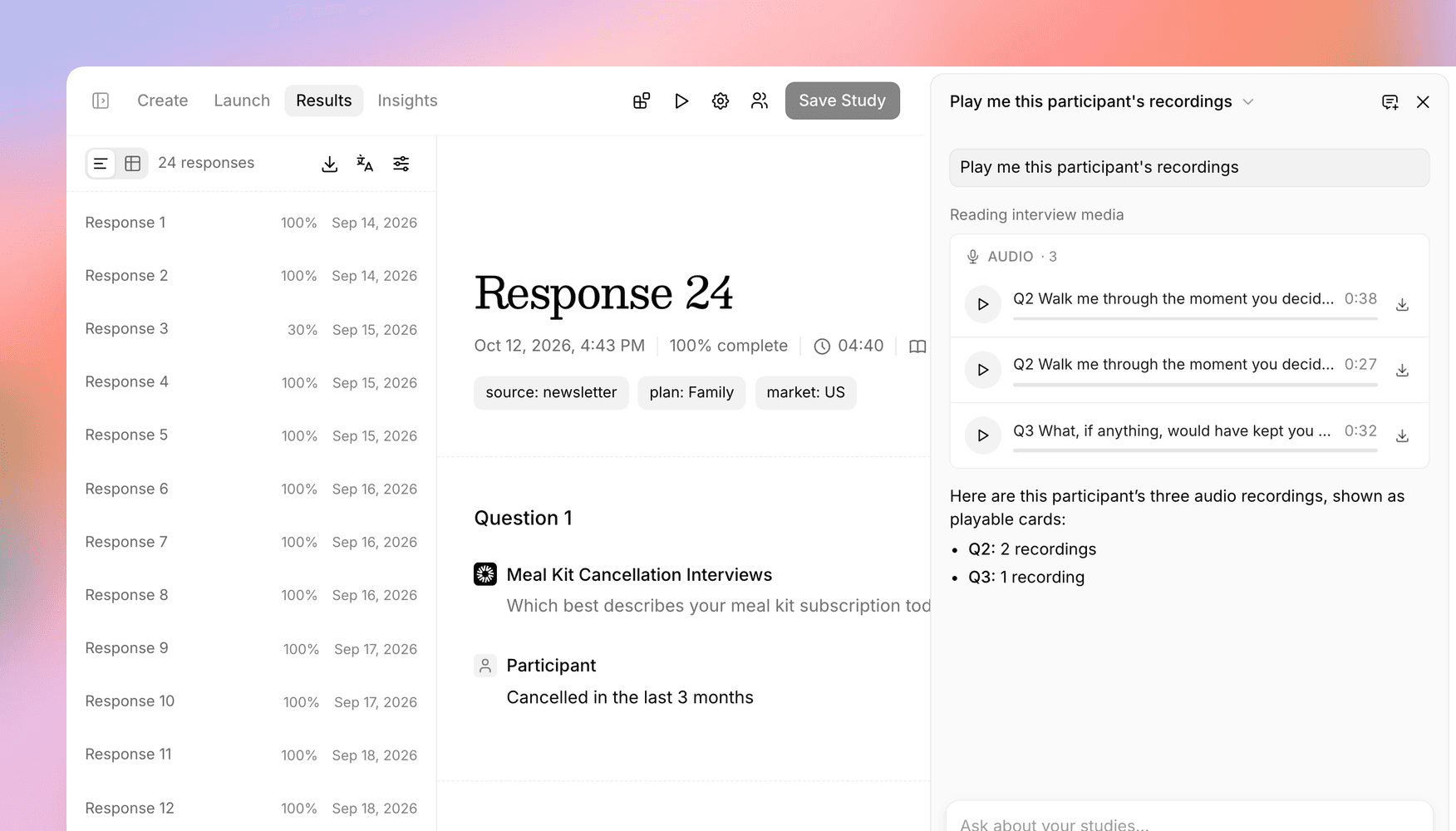
Our moderator interviews participants for you, probing and transcribing in dozens of languages.
Ask our agent to surface insights and recommendations, or download the raw data for your own analysis.
Recruit from our participant panels, invite your own users with built-in emails and tracking, or embed studies directly in your product.


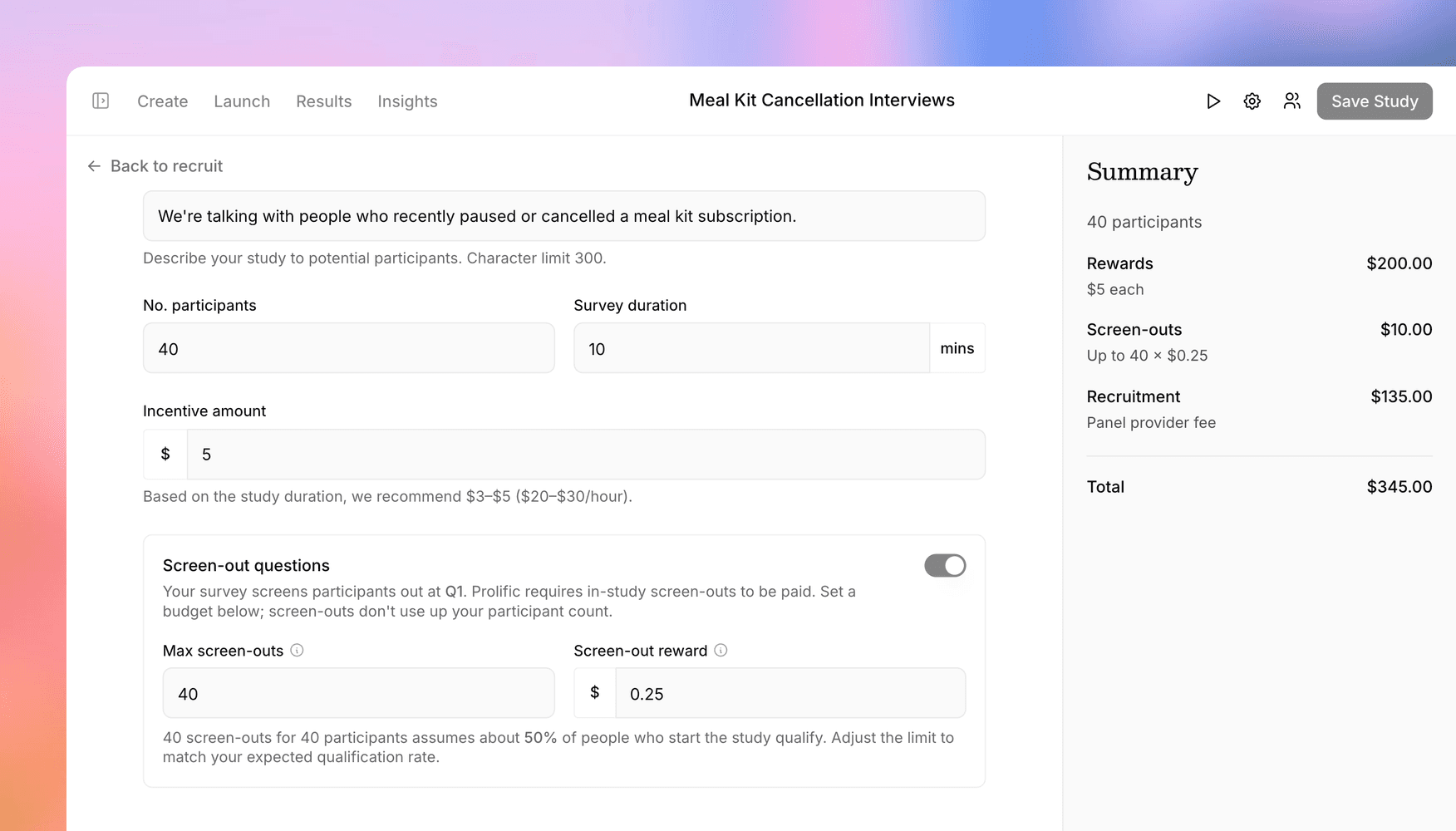
Recruit from our participant panels with millions of vetted B2C and B2B users.
Hi {{first_name}},
We're researching how teams at {{company}} evaluate new software. We'd love to hear your thoughts (we'll send you a $25 gift card):
{{interview_link}}
Send links to your own list with public links, unique links, and built-in emails with tracking.
How did you hear about Acme?
Use our SDK to embed a Versive study in your product to capture in-context feedback.

Companies and agencies use Versive to understand users, test designs, validate messaging, research new markets, and much more.

Validate concepts, test prototypes, and uncover user needs before building.

Test messaging, creative concepts, and brand perception with real customers.

Run interviews at scale, test designs, and uncover what your users need.

Understand your market with large-sample surveys and interviews at scale.