Manage participant links and improve response quality
New tools for creating and managing unique participant links, plus smarter detection of transcription errors in voice and video interviews.
We've added two new features to help you run higher-quality research: a participant link manager for creating unique interview links at scale, and improved handling of transcription errors in voice and video interviews.
Create and manage participant links
You can now generate unique interview links for each participant directly from the Launch tab. This is useful when you want to track individual participants, pre-fill their information, or give each person their own personalized link.
From the Launch tab, click "Create participant links" to get started. You have two options:
- Simple list: Paste a comma-separated list of participant identifiers (like emails or user IDs)
- CSV/Excel: Upload a CSV file or paste from a spreadsheet to include multiple data fields for each participant
Each link includes a unique identifier that connects to the participant's metadata. When someone uses their link, their information is automatically attached to their responses—no need for them to enter it manually.
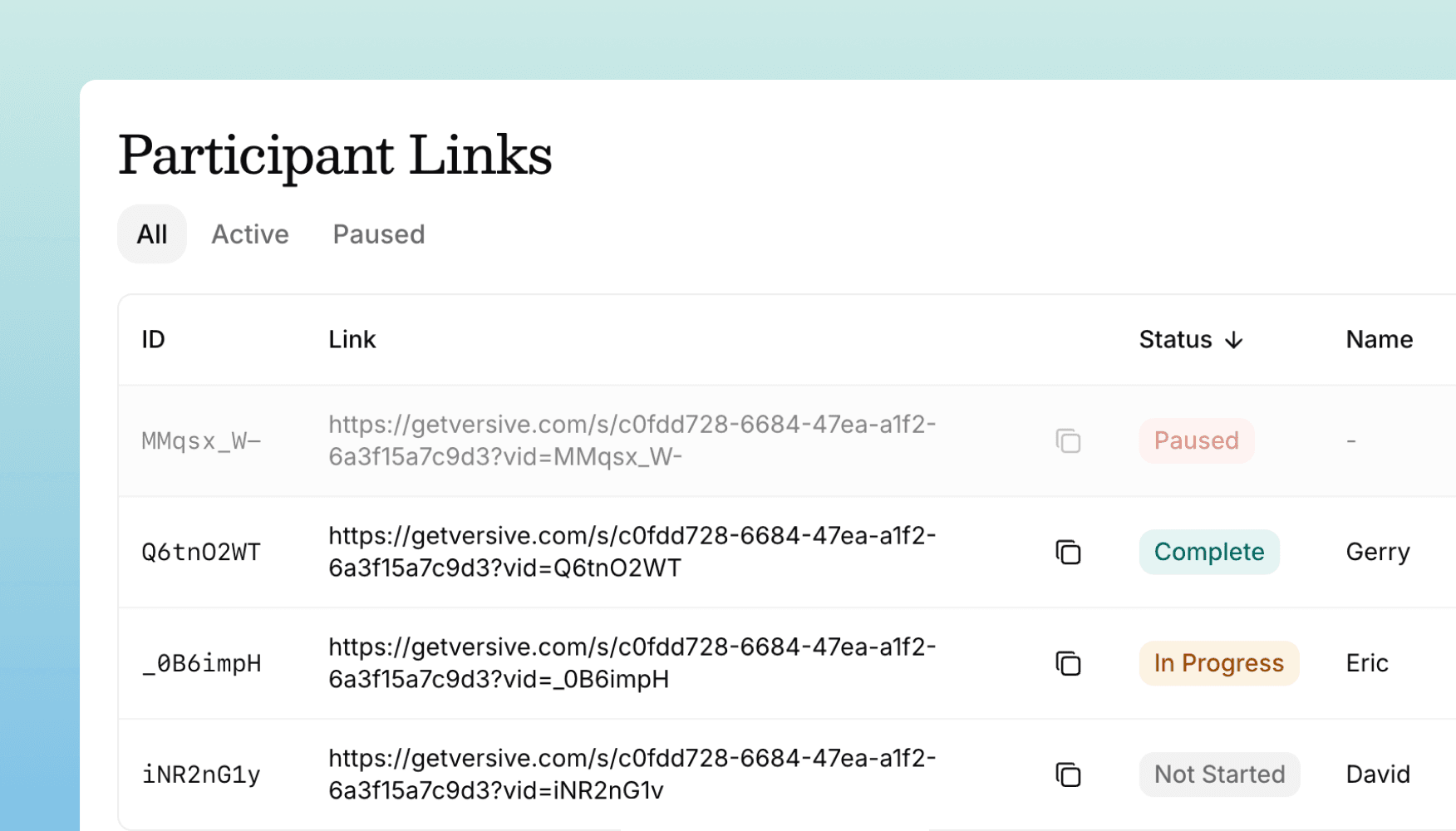
The link manager shows you all your participant links in a sortable table. You can see each link's status (not started, in progress, or complete), pause links temporarily to prevent access, or delete links you no longer need. You can also copy individual links to share them with specific participants.
Smarter handling of voice transcription errors
Voice and video interviews now detect when transcriptions go wrong and politely ask participants to try again. This helps prevent poor data quality from empty audio, background noise, or accidental recordings.
When the AI interviewer detects an invalid response—like gibberish from a bad transcription, background noise, or phrases like "oops, not ready yet"—it can now ask the participant to repeat their answer. The AI responds naturally with something like "I didn't catch that. Could you please try answering again?"
These retry requests don't count toward your follow-up question limits, so participants won't hit the limit just because of technical issues. This works across all interview modes: voice calls, video interviews, and text-based interviews with AI moderation.
Get in touch
We're continuing to build features that help you test and learn faster. If you have any questions or feature requests, reach out to us at [email protected]. Want to give it a try? Start a free trial and start testing in minutes.

Eric Li, Co-Founder, Versive