Introducing Tree Testing: validate your information architecture
A new question type that lets you test whether users can find what they need in your navigation structure.
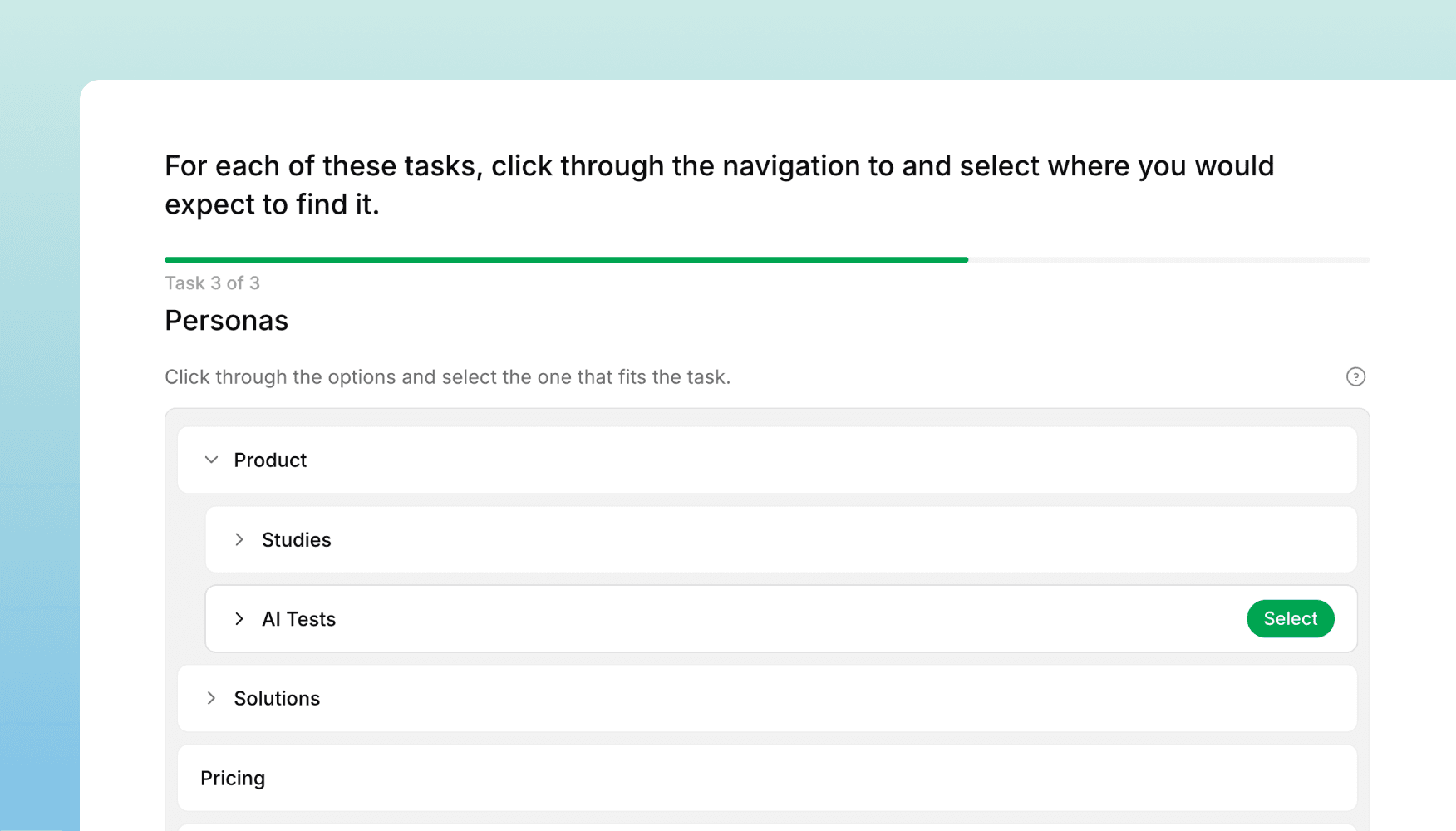
We've added Tree Testing to Versive — a research method for evaluating information architecture. Tree tests strip away visual design and UI to answer a fundamental question: can people find what they're looking for in your navigation structure?
How it works
A tree test presents participants with a simplified, text-only version of your site's navigation hierarchy. You give them a task — like "find where you'd change your billing plan" — and they navigate the tree to find the right answer. There's no visual design to guide (or mislead) them, so the results tell you whether your IA itself makes sense.
You can add tree test questions alongside other question types in any Versive study, making it easy to combine IA testing with surveys or interviews in a single session.
Building your tree
The tree builder gives you two ways to work:
- Visual mode: Drag and drop nodes to build and rearrange your tree hierarchy. Add, rename, and nest items directly.
- Text mode: Type or paste your tree as indented text for quick editing. This is especially useful if you're working from an existing sitemap or spreadsheet.
You can also import trees, so you can reuse the same structure across multiple studies or share it with your team.
Results and insights
After collecting responses, you get a dedicated results dashboard with:
- Sankey diagrams showing how participants navigated through the tree — where they went, where they backtracked, and where they ended up
- Path analysis breaking down the most common navigation paths for each task
- Success rates showing how many participants found the correct answer, found a wrong answer, or gave up
- Per-task analytics so you can identify which parts of your IA are working and which need restructuring
When to use it
Tree testing is most useful when you're:
- Designing or redesigning navigation — Validate your IA before investing in visual design
- Comparing structures — Test two different hierarchies to see which one performs better
- Auditing an existing product — Find out if users can locate key content in your current navigation
- Testing labels — Check whether your category names make sense to users
It pairs well with card sorting (for generating IA ideas) and usability testing (for validating the full experience once visual design is applied).
Get in touch
We're continuing to build features that help you test and learn faster. If you have any questions or feature requests, reach out to us at [email protected]. Want to give it a try? Start a free trial and start testing in minutes.

Eric Li, Co-Founder, Versive